
Independent software
Music Visualizer
A music visualizer from NRVNT Studio. Find release details, setup guidance and answers to common audio questions below.

Release
Download
- Version
- To be confirmed
- Supported operating systems
- To be confirmed
- System requirements
- To be confirmed
Release notes
Release notes will be published with the download.
Visualizer screenshots

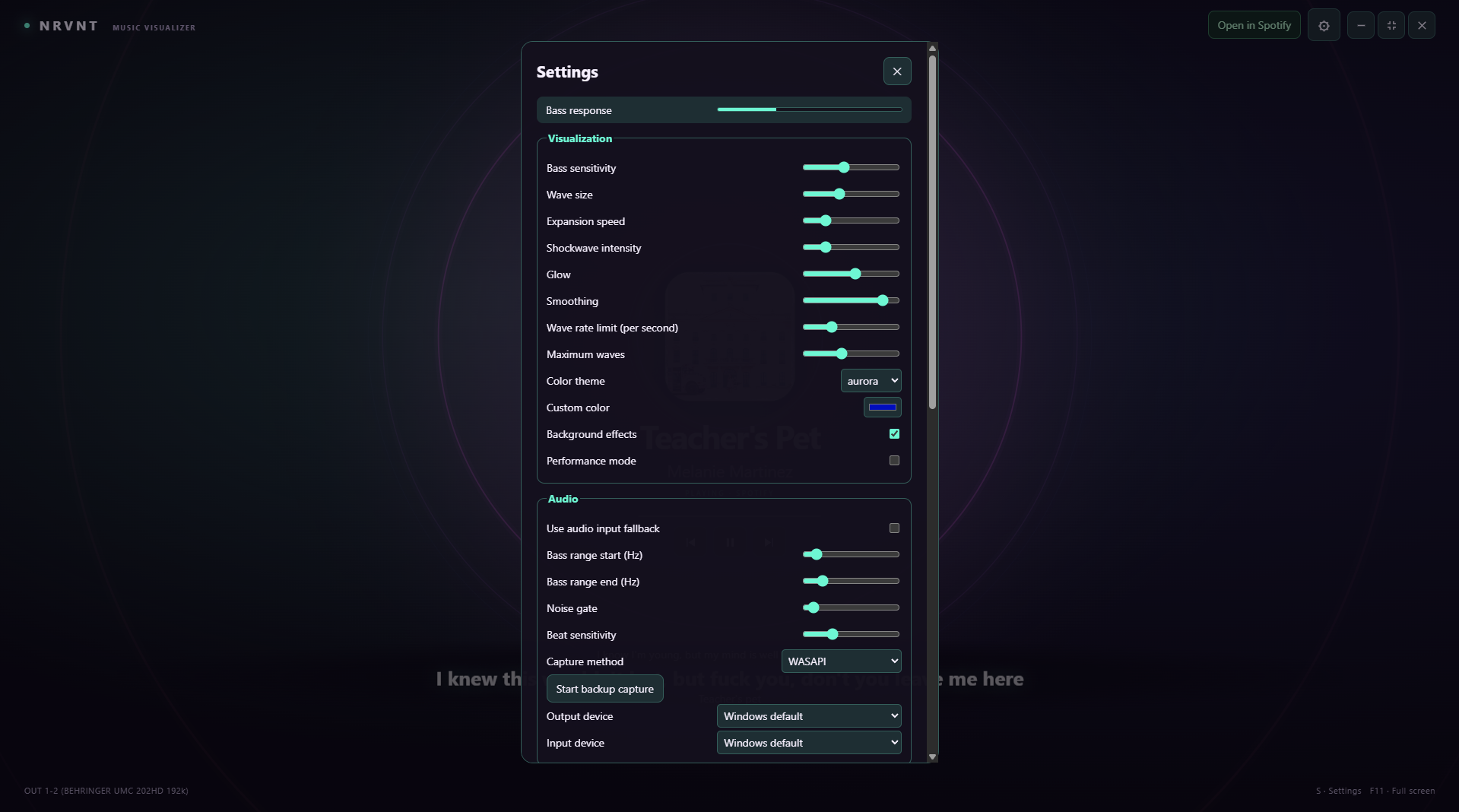
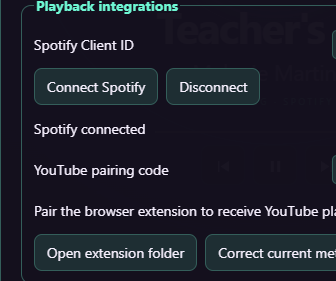
Installation guide
Platform-specific instructions will appear here as they are confirmed.
- Download
- Install or extract
- Launch for the first time
- Select an audio source
- Run a quick test
Frequently asked questions
How do I use the visualizer with YouTube?
If the visualizer supports system-audio capture, play music on YouTube in your browser and select the corresponding audio source in the visualizer.
How do I use the visualizer with Spotify?
If the visualizer supports system-audio capture, play music in the Spotify app or web player and select the corresponding audio source in the visualizer.
Why is the visualizer not reacting to sound?
Check that audio is playing and that the selected source matches where the audio is coming from. Supported sources will be listed in the setup guide.
How do I change the audio source?
The release guide will explain how to select or change an audio source once the supported options are confirmed.
How do I update or uninstall it?
Update and removal instructions will be published with the release.